Computer System Servicing in Bellevue, WA
Are you looking for computer system servicing in Bellevue, WA? GoEBITS helps local customers with computer repair, laptop repair, desktop repair, hardware diagnostics, software issues, data recovery, and system maintenance.
Many people search for computer system servicing when their device is slow, not turning on, freezing, showing error messages, or having problems after an update. Businesses may also need service when computers are affecting daily work, customer service, file access, or employee productivity.
Computer system servicing is the process of checking, maintaining, repairing, and improving a computer system so it works properly. This can include hardware repair, software troubleshooting, operating system repair, virus removal, data recovery, upgrades, and regular maintenance.
GoEBITS provides computer system servicing through our Bellevue location near Crossroads. We help customers from Bellevue, Redmond, Kirkland, Overlake, Lake Hills, Bridle Trails, Sammamish, Newcastle, and nearby Eastside communities.
What Is Computer System Servicing?
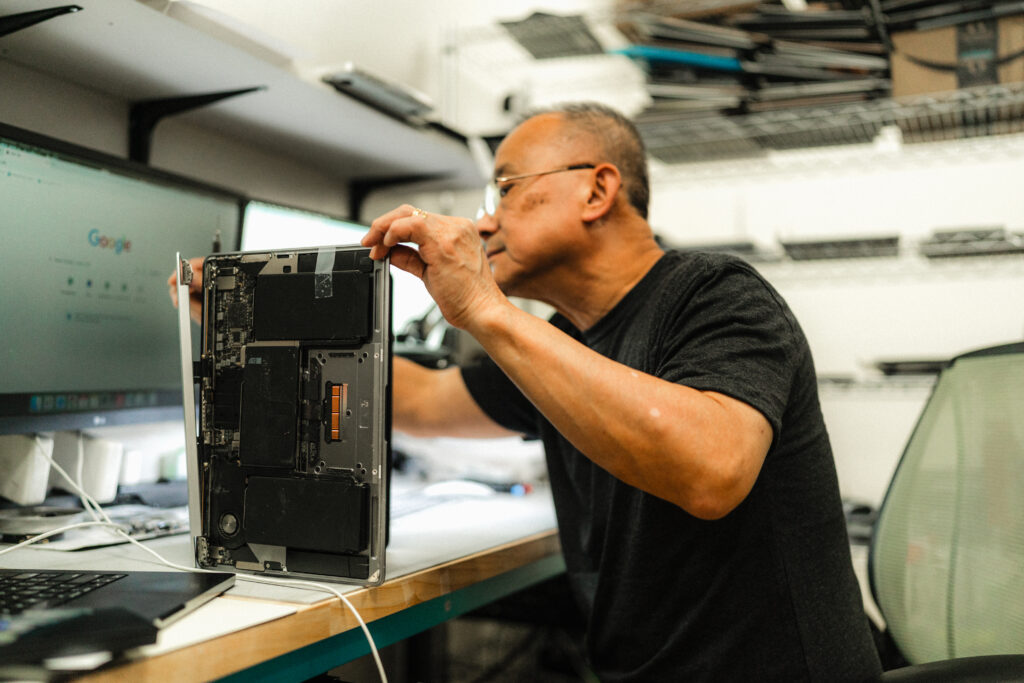
Computer system servicing means maintaining and repairing computers and related devices. This can include laptops, desktop computers, custom PCs, business computers, Mac systems, Windows computers, external drives, and other connected hardware.
A computer system is more than one part. It includes the physical hardware, operating system, storage drive, memory, software, security settings, and connected devices. When one part has a problem, the whole system can slow down or stop working.
Computer system servicing may include:
Computer diagnostics
Hardware repair
Software troubleshooting
Windows repair
Mac repair
Virus and malware removal
Hard drive or SSD replacement
Data recovery
RAM upgrades
Fan and cooling repair
System updates
Backup support
Computer cleaning and maintenance
The goal is simple: find the problem, explain the repair options, and help the device work reliably again.
Why Computer System Servicing Matters
Computer problems often start small. A laptop may run slower than usual. A desktop may make more fan noise. A system update may cause startup issues. A hard drive may begin to fail before the computer fully stops working.
Regular computer servicing can help catch these problems before they become worse.
Benefits of Computer System Servicing
Find problems early
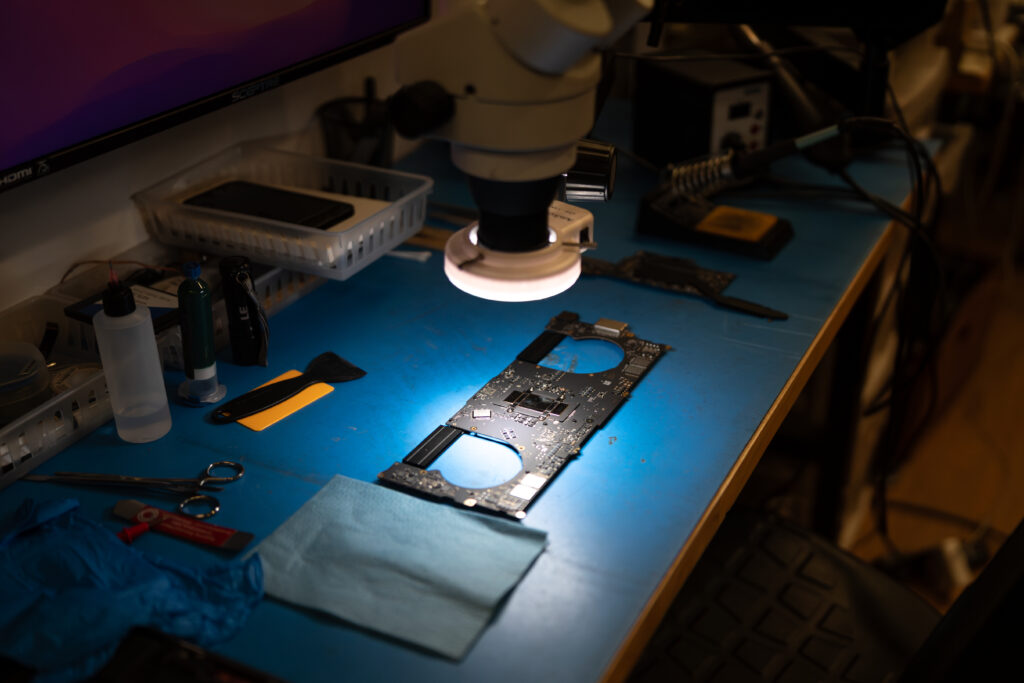
A diagnostic check can help identify hardware or software issues before they lead to data loss, downtime, or a larger repair. This is important for both home users and businesses that depend on computers every day.
Improve computer performance
Slow computers can affect work, school, gaming, and daily tasks. Servicing may include removing unnecessary software, checking storage health, testing memory, repairing system errors, and upgrading hardware when needed.
Reduce downtime
If a computer is used for work, even one day of downtime can be frustrating. For small businesses, computer downtime can affect sales, scheduling, communication, and customer service. Regular maintenance helps reduce the chance of sudden failure.
Improve security
Computer servicing can also help with security issues. This may include checking for malware, reviewing software problems, updating systems, and helping customers understand safer computer use. CISA offers helpful guidance on how to protect data stored on your devices, including malware protection, backups, and device security.
Protect important files
Many customers come to GoEBITS because they cannot access photos, documents, schoolwork, business files, or financial records. Computer system servicing can help identify whether the problem is related to the drive, operating system, motherboard, software, or another part of the device.
Common Computer System Problems We Service
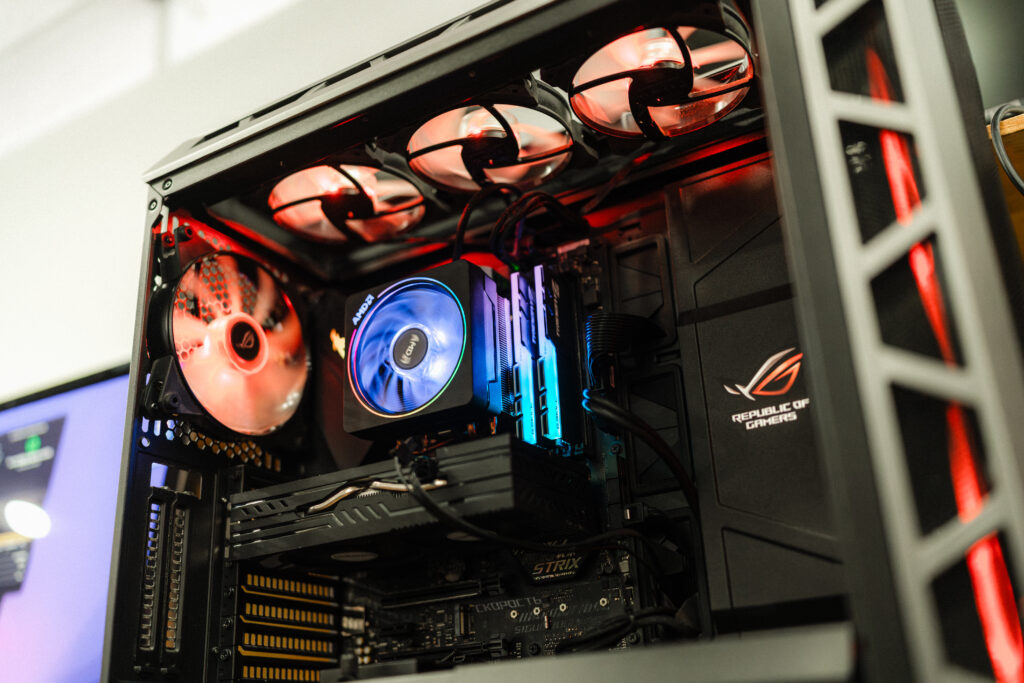
GoEBITS helps Bellevue customers with many common computer problems, including:
Computer will not turn on
Laptop will not charge
Desktop powers on but shows no display
Computer runs slow
Windows will not start
MacBook will not boot
Blue screen errors
Virus or malware concerns
Failed hard drive or SSD
Overheating
Loud fan noise
Broken screen
Keyboard problems
Data loss
Liquid damage
Motherboard issues
Random shutdowns
Software errors after updates
Some issues are simple. Others need deeper diagnostics. That is why it helps to have the device checked before assuming it needs to be replaced.
Hardware Repair and Upgrades
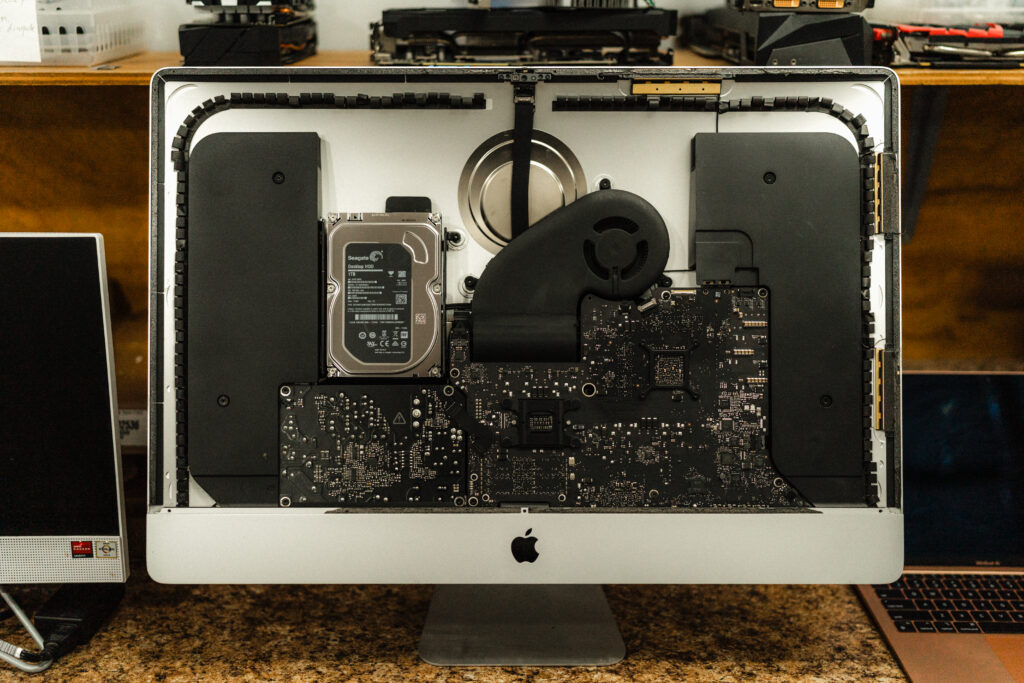
Hardware is the physical part of the computer. This includes the screen, keyboard, battery, motherboard, power supply, storage drive, RAM, fans, ports, and internal components.
GoEBITS helps with hardware repair and upgrades for laptops, desktops, custom PCs, MacBooks, and Windows computers.
Common hardware services include:
SSD upgrades
Hard drive replacement
RAM upgrades
Screen repair
Keyboard repair
Battery replacement
Charging issue diagnostics
Motherboard repair
Cooling and fan repair
Power supply diagnostics
Custom computer support
Upgrades can also help extend the life of a computer. In many cases, adding an SSD or more RAM can improve speed without replacing the whole system.
Software Repair and Windows Troubleshooting
Software problems can make a computer hard to use even when the hardware is still working. These problems may include slow startup, system errors, failed updates, virus warnings, driver problems, or apps that stop working.
GoEBITS helps with Windows repair, system troubleshooting, startup issues, and software-related computer problems. Microsoft also provides general information about Windows recovery options for users dealing with startup, reset, or recovery issues.
If your computer is stuck on a loading screen, showing errors, or failing after an update, our technicians can inspect the system and review possible repair options.
Data Recovery and Backup Support
Data recovery is one of the most important parts of computer system servicing. If your computer will not boot, the storage drive may still contain important files. GoEBITS can evaluate the device and review possible data recovery options.
We help with data recovery from:
Failed hard drives
SSD issues
Laptops that will not turn on
Desktop computers that will not boot
Damaged systems
Liquid damaged devices
External drives
USB storage devices
If your files are important, avoid repeated restart attempts, DIY repair tools, or reinstalling the operating system before the device is checked. Those steps can sometimes make recovery harder.
Computer System Servicing for Bellevue Businesses
Many Bellevue businesses rely on computers for scheduling, customer communication, accounting, documents, point of sale systems, and daily operations. When a computer fails, work can slow down quickly.
GoEBITS helps local businesses with computer diagnostics, hardware repair, storage issues, system performance problems, and data recovery needs. We also help home office users, students, remote workers, and families who need reliable computer support.
What to Look for in a Computer Servicing Company
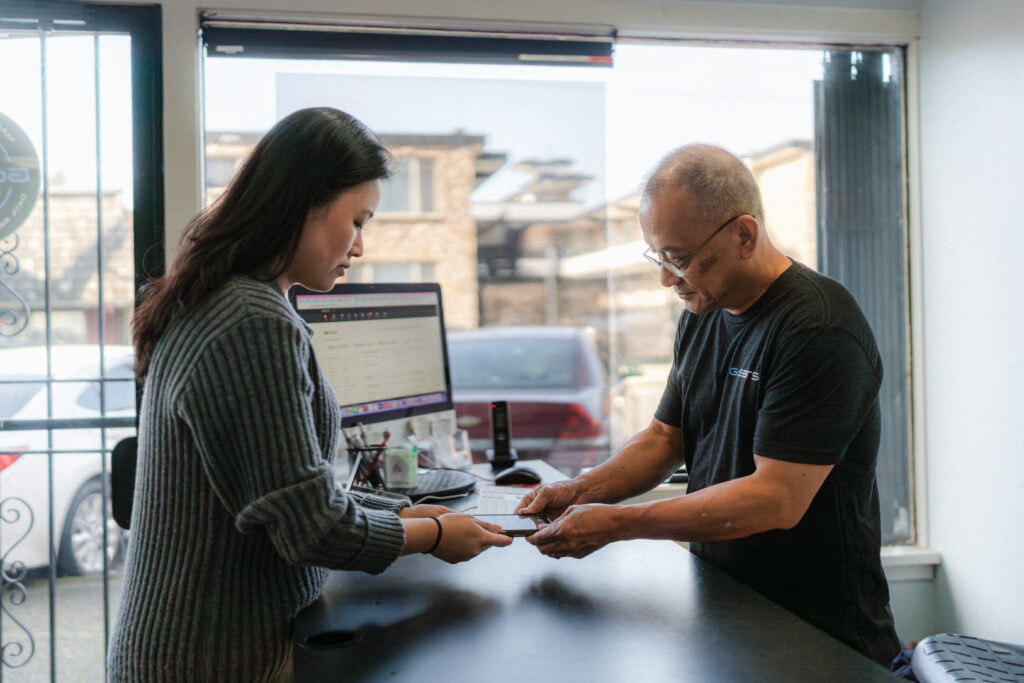
When choosing a computer repair company in Bellevue, look for a team that can explain the problem clearly. Good computer servicing is not only about replacing parts. It is about understanding the device, checking the likely cause, and giving the customer a clear repair path.
A good repair shop should offer:
Strong hardware knowledge
Software troubleshooting skills
Clear communication
Honest repair options
Data recovery support
Experience with both Mac and PC systems
Local service you can reach when needed
Computer System Servicing Near Crossroads and the Eastside
GoEBITS provides computer system servicing in Bellevue near Crossroads and helps customers from Redmond, Kirkland, Overlake, Lake Hills, Bridle Trails, Sammamish, Newcastle, and surrounding Eastside areas.
If your laptop, desktop, Mac, PC, or business computer needs service, GoEBITS can inspect the device and explain your options before work begins.
Frequently Asked Questions
What is computer system servicing?
Computer system servicing is the process of maintaining, diagnosing, repairing, and improving a computer system. It can include hardware repair, software troubleshooting, virus removal, data recovery, upgrades, and regular maintenance.
When should I bring my computer in for servicing?
You should bring your computer in if it is slow, overheating, freezing, not charging, not turning on, making noise, showing errors, or having trouble accessing files.
Do you service both laptops and desktop computers?
Yes. GoEBITS works on laptops, desktop computers, MacBooks, Windows computers, custom PCs, and business computers.
Can computer servicing help a slow computer?
Yes. A slow computer may need software cleanup, hardware testing, storage repair, more memory, an SSD upgrade, virus removal, or system repair.
Can you recover files from a computer that will not turn on?
In many cases, yes. GoEBITS can evaluate the device and review possible data recovery options based on the condition of the computer and storage drive.
Do you provide computer system servicing near Bellevue Crossroads?
Yes. GoEBITS provides computer system servicing through our Bellevue location near Crossroads and helps customers across Bellevue, Redmond, Kirkland, Overlake, Lake Hills, and the Eastside.
Conclusion
Computer system servicing helps keep computers reliable, secure, and ready for daily use. It can improve performance, reduce downtime, protect important files, and help prevent small problems from turning into larger repairs.
GoEBITS provides computer system servicing in Bellevue, WA for laptops, desktops, Macs, PCs, custom computers, business systems, hardware issues, software problems, and data recovery needs.
If your computer is running slow, not turning on, or showing signs of failure, GoEBITS can inspect the device and review your repair options.